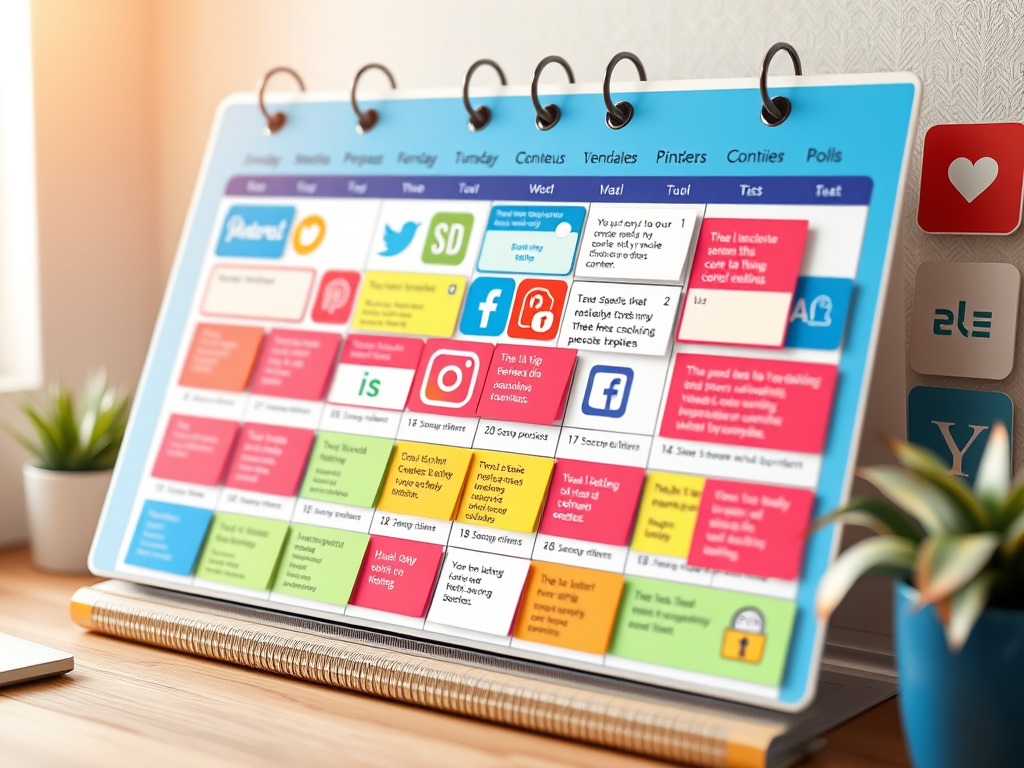
Struggling to stay consistent on social media? Feel like you’re always scrambling to figure out what to post? You’re not alone—and the solution is simple: a social media content calendar.
In this beginner-friendly guide, we’ll walk you through how to build a content calendar from scratch, plan your posts in advance, and save yourself hours every week.
Why You Need a Social Media Content Calendar
A social media content calendar is a tool that helps you plan, organize, and schedule your content ahead of time. It keeps your posting consistent, your messaging focused, and your stress levels low.
Here’s what a good calendar helps you do:
- Stay consistent (which boosts algorithm visibility)
- Post content that aligns with your goals
- Repurpose content across platforms
- Track performance and make data-driven improvements
- Free up creative energy and reduce burnout
Step 1: Define Your Social Media Goals
Before building your calendar, get clear on your objectives. Ask yourself:
- Do I want to grow my followers?
- Drive traffic to my blog or website?
- Promote a product or service?
- Build community and engagement?
Every post you plan should serve one of these goals.
Step 2: Pick Your Platforms
As a beginner, don’t spread yourself too thin. Start with 1–2 platforms where:
- Your target audience hangs out
- Your content style fits (e.g., videos for TikTok/Reels, infographics for Pinterest)
Example:
A blogger might focus on Instagram for engagement and Pinterest for traffic.
Step 3: Choose Your Content Pillars
Content pillars are your main themes or categories. Choose 3–5 pillars you’ll rotate through to keep your content focused yet varied.
Example Content Pillars:
- Educational (tips, tutorials, how-tos)
- Inspirational (quotes, success stories)
- Promotional (product/blog posts)
- Personal (behind-the-scenes, day-in-the-life)
- Engaging (polls, Q\&As, trends)
Step 4: Create a Weekly Content Plan
Now that you’ve chosen your platforms and themes, create a simple weekly posting schedule.
Example:
| Day | Platform | Content Type |
|---|---|---|
| Monday | Quick tip carousel | |
| Wednesday | Behind-the-scenes story | |
| Friday | Blog post graphic pin | |
| Sunday | Poll or question sticker |
Adjust this based on your capacity and goals.
Step 5: Use the Right Tools
You don’t need fancy tools to start. Here are a few beginner-friendly options:
Planning & Scheduling Tools:
- Google Sheets – simple, customizable
- Notion – all-in-one workspace
- Trello – drag-and-drop style board
- Canva Pro – design + plan content visually
- Later / Buffer / Metricool – auto-scheduling tools
Step 6: Plan and Batch Your Content
Once a week (or biweekly), set aside time to:
- Brainstorm post ideas
- Write captions
- Design visuals in Canva
- Schedule posts ahead
Batching content like this saves time and keeps your content aligned.
Step 7: Track & Optimize
Review performance weekly or monthly. Look at:
- Engagement rate (likes, comments, shares)
- Reach & impressions
- Click-throughs to your blog or site
- Follower growth
Use this data to refine what works—and cut what doesn’t.
Pro Tips for Beginners
- Use awareness days or holidays as content inspiration
- Repurpose blog posts into bite-sized posts or tips
- Keep a “content idea bank” in your calendar
- Don’t aim for perfection—done is better than perfect
Free Content Calendar Template
Want a plug-and-play calendar to get started?
Download free content calendar template
Creating a social media content calendar might feel overwhelming at first, but once you have a system, it saves you time, stress, and creative energy. You’ll start posting more consistently—and more strategically.
Remember: It’s not about posting more. It’s about posting smarter.
Share This:
If this guide helped you, share it with someone who’s just starting their social media journey.
 Market Hive
Leave a comment