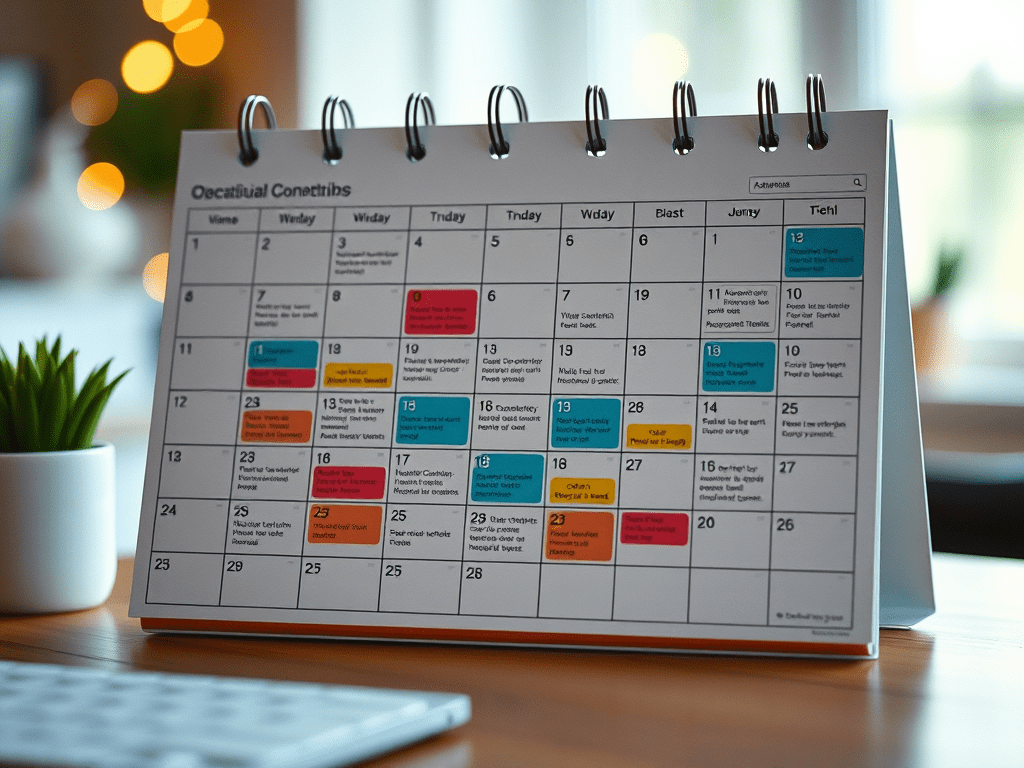
Are you constantly scrambling to figure out what to post on social media? If you’re tired of the daily content hustle, it’s time to embrace a smarter approach: planning a full month of social media content in just one day. It may sound ambitious, but with the right strategy, it’s completely doable—and it will save you hours each week.
Here’s a step-by-step guide to help you create a month-long content calendar in a single day.
Step 1: Define Your Goals and Content Pillars
Before you create a single post, clarify what you want to achieve. Is your goal brand awareness, community engagement, website traffic, or sales? Your goals will shape your content choices.
Then, establish 3-5 content pillars—core themes that align with your brand and audience. Examples include:
- Educational tips
- Behind-the-scenes content
- User-generated content
- Promotions or product highlights
- Industry news
These pillars will ensure your content stays focused and consistent.
Step 2: Audit Your Existing Content
Take 30 minutes to review what’s worked well in the past. Look at:
- Engagement metrics (likes, comments, shares)
- Post reach and saves
- Website clicks (if using link tracking)
Identify which formats (carousels, reels, stories, etc.) and topics your audience responds to. This will help you double down on high-performing content.
Step 3: Brainstorm and Batch Ideas
Using your content pillars, brainstorm post ideas. Aim for 3-4 posts per week, or about 16 posts total for the month. Group them into these categories:
- Educational (e.g., “5 Tips to Improve Your X”)
- Inspirational (e.g., quotes, success stories)
- Conversational (e.g., polls, questions)
- Promotional (e.g., product demos, sales)
Use a tool like Trello, Notion, or a spreadsheet to organize these ideas.
Step 4: Create Your Content Calendar
Now map your content ideas onto a calendar. Consider:
- Days of the week you typically post
- Any key dates, launches, or holidays
- A healthy mix of post types (image, video, carousel)
Color-code by content pillar to ensure a balanced mix.
Step 5: Write Captions and Hashtags
Next, write captions for each planned post. Keep them clear, engaging, and tailored to your platform. Include:
- A strong hook
- Clear value or message
- A call to action (CTA)
- 10–30 relevant hashtags (for platforms like Instagram or TikTok)
Tools like ChatGPT, Jasper, or Grammarly can help speed up this step.
Step 6: Design or Gather Visual Content
Now it’s time to create or collect visuals for each post. Use:
- Canva for branded templates
- Stock photo/video sites like Unsplash or Pexels
- Your own media for authenticity
Batching designs or shooting multiple pieces of content in one session can save loads of time.
Step 7: Schedule Your Posts
Use a scheduling tool like:
- Later
- Buffer
- Planoly
- Meta Business Suite
Upload your visuals, copy/paste your captions, and set the dates/times. Most tools even allow for cross-posting to multiple platforms.
Bonus Tips for Staying Efficient
- Time block each step of the process (e.g., 1 hour for brainstorming, 2 hours for design)
- Repurpose your best content across platforms
- Automate wherever possible
- Review analytics weekly to refine next month’s plan
Planning 30 days of content in one day might feel intense the first time, but it becomes faster and easier with each cycle. You’ll reclaim hours of time, reduce stress, and stay consistent with your social strategy—no more last-minute scrambling.
 Market Hive
Leave a comment